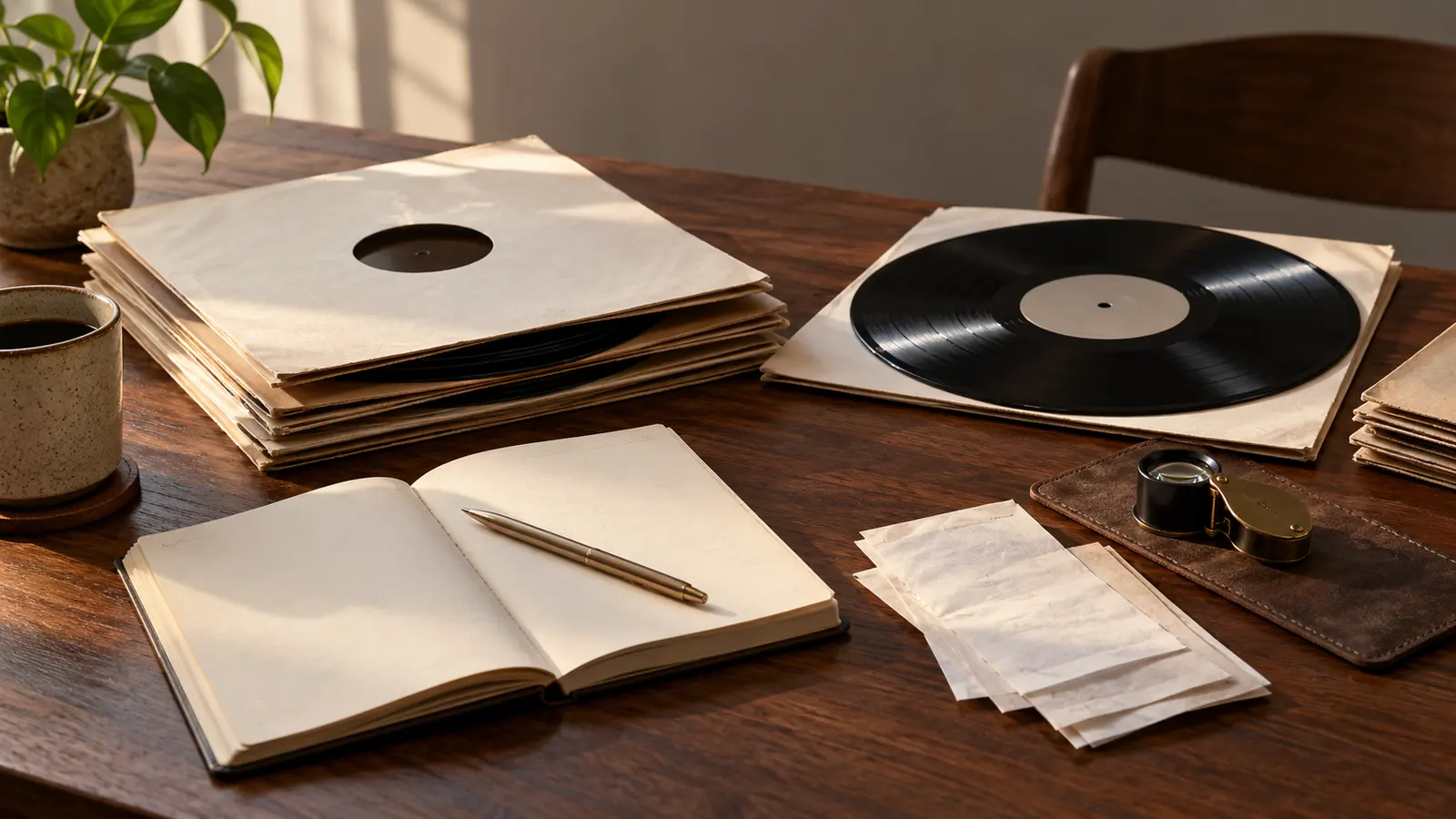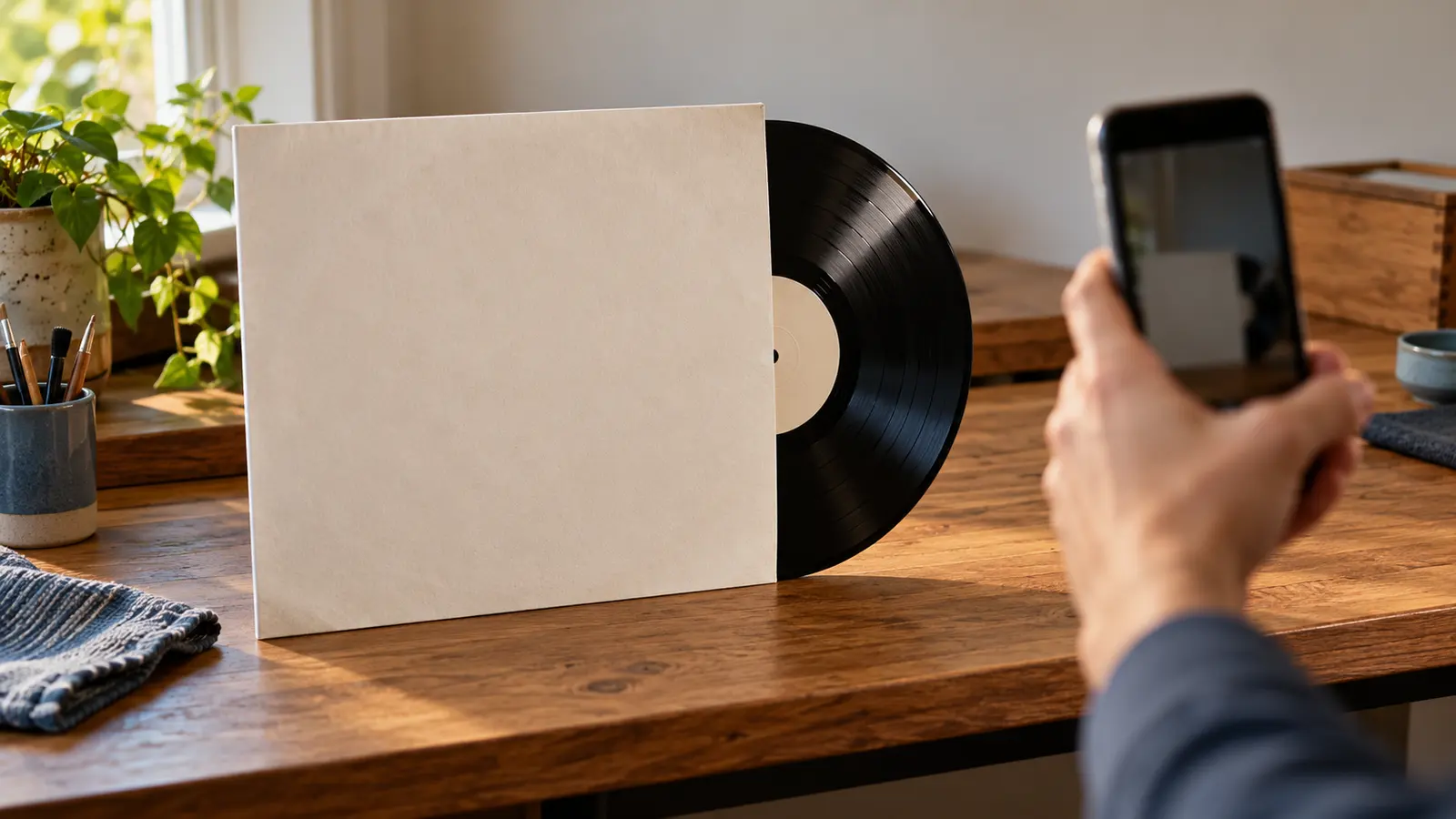

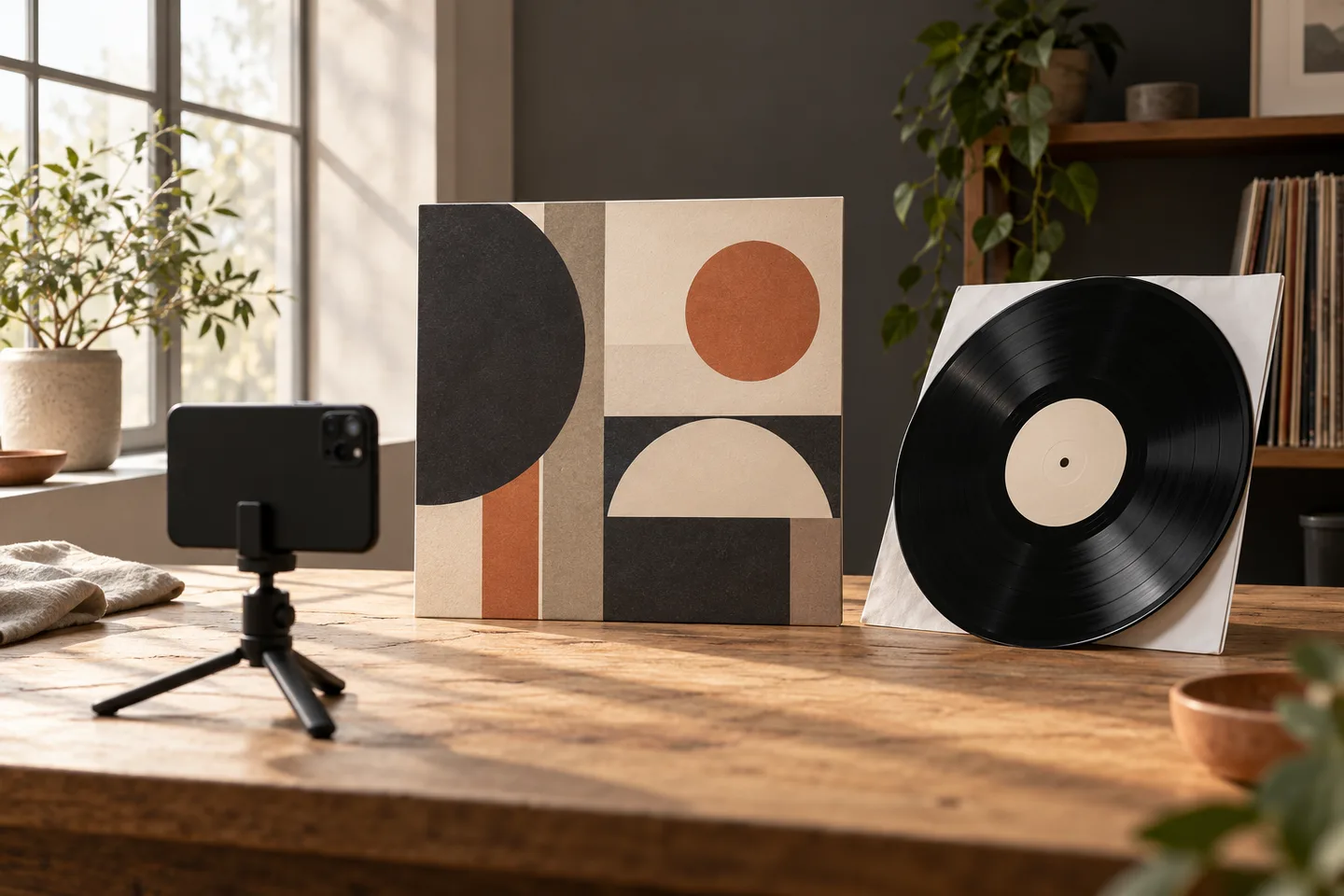
A useful vinyl identification photo is legible, complete and honest about what it cannot show. Place one sleeve or label squarely in the frame, use soft light, check focus before leaving the scene and take a second view when a small credit or catalogue number matters. DiscSnap can use a cover or label photograph as an identification input, but a suggested result still needs to be compared with the physical copy. A sharper photograph improves the evidence you provide; it does not guarantee a match or prove an edition.
This guide covers capture quality rather than pressing authentication. It explains how to photograph a sleeve, when to photograph the centre label, how to handle damaged packaging and how to decide whether a retake is enough or a release-level check is still required.
Photographier la pochette sans inventer de détails
Après la photo, utilisez le guide des codes-barres, le guide du label, la vérification du pressage, le comparatif et le catalogage pour l’interpréter.
Une pochette entière donne le contexte : titre, artiste, logo, tranche et parfois numéro de catalogue. Placez-la parallèle au téléphone et laissez une petite marge autour des quatre bords. Si un coin est coupé, le lecteur ne sait pas s’il manque une information ou si elle n’existe pas. Une prise légèrement éloignée est souvent plus utile qu’un gros plan où les lettres sortent du cadre.
La lumière latérale révèle les plis mais peut créer des reflets sur un pelliculage brillant. Déplacez la source ou le disque plutôt que d’augmenter fortement l’exposition. Le flash direct peut blanchir une partie de l’image et effacer un petit crédit. Une lampe diffuse, une fenêtre couverte et une seconde vue inclinée donnent généralement des indices plus honnêtes.
Ne nettoyez pas une pochette fragile pour la photographie. La poussière, une étiquette de prix ou une réparation peuvent faire partie de l’histoire de votre exemplaire. Retirez seulement ce qui masque temporairement le texte et notez ce que vous avez déplacé. Une image de l’état réel est utile pour distinguer l’exemplaire de la sortie cataloguée.
Quand passer à l’étiquette
La pochette identifie souvent l’album, alors que l’étiquette et le sillon distinguent la sortie. Photographiez chaque face à plat, avec le trou central et le bord du label visibles. Laissez le téléphone parallèle au disque pour éviter de déformer les lignes. Faites la mise au point sur les caractères, pas sur le centre brillant.
Si le label est très sombre, prenez une vue avec une lumière douce à gauche, puis à droite. Ne supposez pas que l’absence d’un code-barres signifie une édition ancienne : de nombreuses sorties n’en portent pas, et un autocollant peut en ajouter un après la fabrication. DiscSnap peut proposer une identité à partir d’une étiquette; vous devez encore comparer le pays, le catalogue et le format.
Refaire la photo ou vérifier l’édition ?
Refaites la photo si le texte est flou, si un reflet traverse le nom ou si un bord important est hors cadre. Changez de méthode si la meilleure image reste ambiguë : cherchez alors le numéro sur la tranche, le dos ou le runout et comparez la sortie candidate. Une nouvelle image améliore l’entrée; elle ne résout pas une différence réelle entre deux pressages.
| Problème visible | Reprise recommandée | Étape suivante si le doute reste |
|---|---|---|
| Reflet sur le titre | Déplacer la source et incliner légèrement la pochette | Comparer le texte du dos |
| Label coupé | Reculer et centrer le disque | Photographier les deux faces |
| Numéro illisible | Utiliser une lumière oblique, sans toucher au disque | Transcrire le runout manuellement |
| Pochette usée | Faire une vue entière puis un détail | Séparer l’état de l’identité |
| Résultat proche mais différent | Reprendre uniquement la preuve manquante | Laisser la sortie non résolue |
Une routine répétable en collection
Pour traiter plusieurs disques, préparez une fiche avec la date, la plateforme et l’ordre des photos. Commencez par la pochette, puis le dos, les deux labels et enfin les runouts lorsque la décision l’exige. Gardez chaque groupe de vues ensemble; mélanger les faces de deux disques crée des erreurs difficiles à retrouver.
Après la capture, regardez l’image en taille réelle. Une vignette nette peut cacher une lettre inventée par la compression. Si vous ne pouvez pas lire un caractère, écrivez « illisible » au lieu de deviner. Les hypothèses se propagent vite dans une collection et peuvent fausser une estimation ou une liste d’assurance.
Les couvertures multilingues, les rééditions et les coffrets demandent plusieurs indices. Photographiez le dos et la tranche lorsque le titre existe en plusieurs langues. Pour un coffret, prenez d’abord l’ensemble, puis les labels des disques. Ne laissez pas une belle photo extérieure remplacer la vérification du contenu.
Ce que DiscSnap peut et ne peut pas démontrer
Les fiches publiques de DiscSnap décrivent l’identification par couverture ou étiquette. Elles ne démontrent pas un taux de reconnaissance, une garantie d’édition ni une lecture automatique du runout. Cet article ne présente donc aucun écran fabriqué et ne prétend pas qu’un éclairage particulier garantit un résultat. Utilisez un disque non sensible pour vérifier le comportement actuel de votre version.
La décision finale appartient à la comparaison physique. Si la suggestion nomme une édition mono et que le label indique stéréo, conservez le conflit. Si la photo est claire mais que le catalogue ne correspond pas, améliorez la recherche plutôt que la photo. Pour une méthode complète de confirmation, consultez le guide français de vérification d’un pressage; pour choisir entre couverture, étiquette et code-barres, voyez le guide code-barres.
Méthode et provenance
Relecture le 28 octobre 2026. Sources produit : App Store DiscSnap et Google Play DiscSnap. Les images de cet article sont conceptuelles et ne montrent pas l’application ni une sortie réelle. Les conseils de cadrage décrivent une pratique de collecte; ils ne constituent pas un test de précision. Les lecteurs doivent conserver leurs originaux et ne pas photographier de données personnelles.
Préparer un seul disque à la fois
Clear a small table before opening the camera. Keep drinks, loose sleeves and a stack of records outside the frame. Put the record in a clean inner sleeve while you work on the jacket, and never place the playing surface directly on a rough table. A neutral background helps you see the edges and makes later review easier, but DiscSnap does not require a studio or a special lighting kit.
Start with the front cover. Remove a plastic outer sleeve if it creates reflections, unless it is protecting a fragile seam. Flatten a bent jacket gently rather than pressing hard on it. If the spine, back or label contains the distinguishing information, plan those photographs before you begin. One careful set of views is easier to compare than a dozen rushed images from different rooms.
Cadrer la pochette bien droit
Hold the phone parallel to the jacket. The four corners should be visible and the text should not lean toward one side. Leave a narrow border around the object so no letters are cut off. Tap the artist or title area to focus, then inspect a close preview at full size. A photo that looks sharp as a thumbnail may blur the catalogue number when enlarged.
Avoid digital zoom. Move the phone closer while keeping the whole jacket inside the frame, then take a separate close-up of a small identifier. A second close-up is useful for the spine, a distributor line or a worn corner. Name or group the images by record so a close-up cannot later be confused with another copy.
Glare is the most common reason to retake a cover photo. Turn the jacket a few degrees, move the light rather than the record, or use a bright window from the side. Do not use a direct flash on glossy shrink wrap. If the reflection hides a word, the photo is not finished even if the artwork looks attractive.
Photographier l’étiquette quand la pochette est ambiguë
The centre label often carries a catalogue number, side designation, speed, publisher credit or legal text that the sleeve omits. Remove the disc by its edges and support it on a clean inner sleeve. Keep fingers away from the grooves. Place the disc flat and photograph side A and side B separately. Include enough surrounding vinyl to show the spindle hole and pressing rings, while keeping the printed text large enough to read.
Use even light from two directions if possible. A bright reflection can erase the exact letter that separates two releases. If the label is dark, expose for the print rather than the black vinyl around it. Check that the phone has focused on the label, not the spindle hole. Photograph the full label first, then a close-up of a tiny rim credit or number.
The label is evidence, not a verdict. A familiar logo can identify an imprint while leaving country, year and pressing unresolved. Record the text exactly as seen, including spaces and punctuation. A blurred character should be marked as uncertain in your notes rather than replaced with the character you expect.
Comparaison entre une bonne et une mauvaise prise
The following examples are conceptual teaching cases. They do not reproduce DiscSnap’s interface or claim a measured recognition rate.
| Input | What the photograph shows | Next action |
|---|---|---|
| Good cover view | Four corners, readable title, low glare and even focus | Submit it, then compare the suggested release with the copy |
| Problem cover view | Cropped spine, reflected flash and a finger over the catalogue number | Retake from farther away with side light |
| Good label view | Full side, legible number and rim text, no hotspot | Save the close-up with the full-label view |
| Problem label view | Tilted disc, clipped rim and soft focus at the text | Reposition the disc and tap the printed area to focus |
No “good” view can identify an edition by itself. It simply gives the next step enough visible evidence to be useful.
Photographier les pochettes usées ou inhabituelles
Do not clean a jacket with a wet cloth just to improve a picture. Dust and wear are part of the copy’s evidence. For a torn seam, photograph the complete cover and then the defect close-up. If a sticker covers a catalogue number, show the sticker and any exposed number; do not peel it away for a better scan. A replacement sleeve may not belong to the disc, so photograph the label as well.
For white labels, promos and plain sleeves, use the label, runout area and any handwritten information as separate views. Never write an interpretation onto the image. For a gatefold, photograph the outside, inside and any insert that distinguishes the release. For a double album, label each disc in your notes so side B from one copy cannot be paired with side B from another.
Décider entre une reprise et une vérification
Retake the photograph when a required fact is unreadable because of focus, glare, framing or a blocked corner. Continue to verification when the photograph is clear but several releases share the same artwork. Compare the candidate with the physical copy: label layout, catalogue number, country, format, barcode, year wording and any runout inscription. A barcode can narrow a search but does not prove that two editions are identical.
If a suggested identity conflicts with the label, stop before saving it as a confirmed record. Keep the images, mark the match as uncertain and investigate the conflicting detail. A provisional note is more useful than a confident wrong edition. The DiscSnap vs Discogs workflow guide explains why an app suggestion and a release-level catalogue check have different jobs, while the pressing verification guide covers the evidence after a scan.
Liste de capture reproductible
Before sending a photo, ask:
- Is the whole sleeve or label inside the frame?
- Are the artist, title and any catalogue number in focus?
- Has glare hidden a letter, rim credit or barcode digit?
- Did I capture both sides when the edition could differ?
- Have I kept a full view as well as a close-up?
- Can I tell which physical record these images belong to?
- Am I describing an observation rather than guessing a release?
Take the cover first, the label second and the runout only when the first two views leave a genuine question. This order prevents a long research session from interrupting every record in a batch.
Utiliser le résultat avec prudence
DiscSnap’s current store descriptions support cover and label identification workflows; they do not turn a photograph into an authentication certificate. The App Store and Google Play listings are the places to check the current platform offering. Button names, account requirements and scan limits can change, so follow the interface you actually see and describe the date and platform in an editorial update.
Keep your original photographs outside the app as well. They preserve the condition and the evidence you saw on the day. If you later replace a sleeve, correct an edition or sell the record, dated images make that change understandable. Do not upload another person’s personal information or a private document visible in the background.
Méthode éditoriale
Ce guide a été préparé le 28 octobre 2026 à partir des descriptions publiques Apple et Google de DiscSnap et des limites fonctionnelles vérifiées dans le plan éditorial. Les exemples sont conceptuels ; aucun taux de reconnaissance, test contrôlé, classement automatique ou pressage garanti n’est revendiqué. Une photo soignée améliore l’entrée et l’archive de votre collection, tandis que la vérification physique reste la responsabilité du collectionneur.