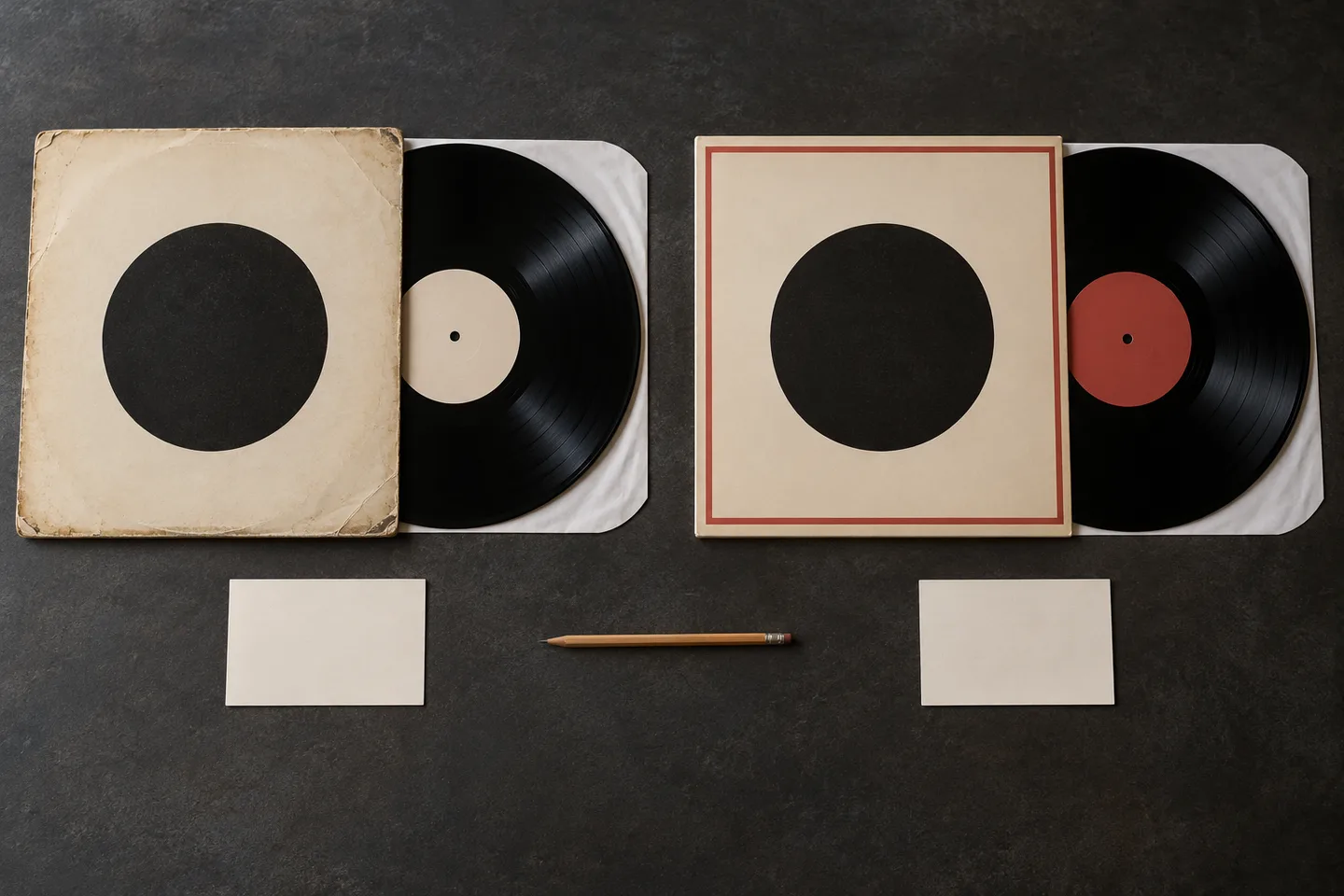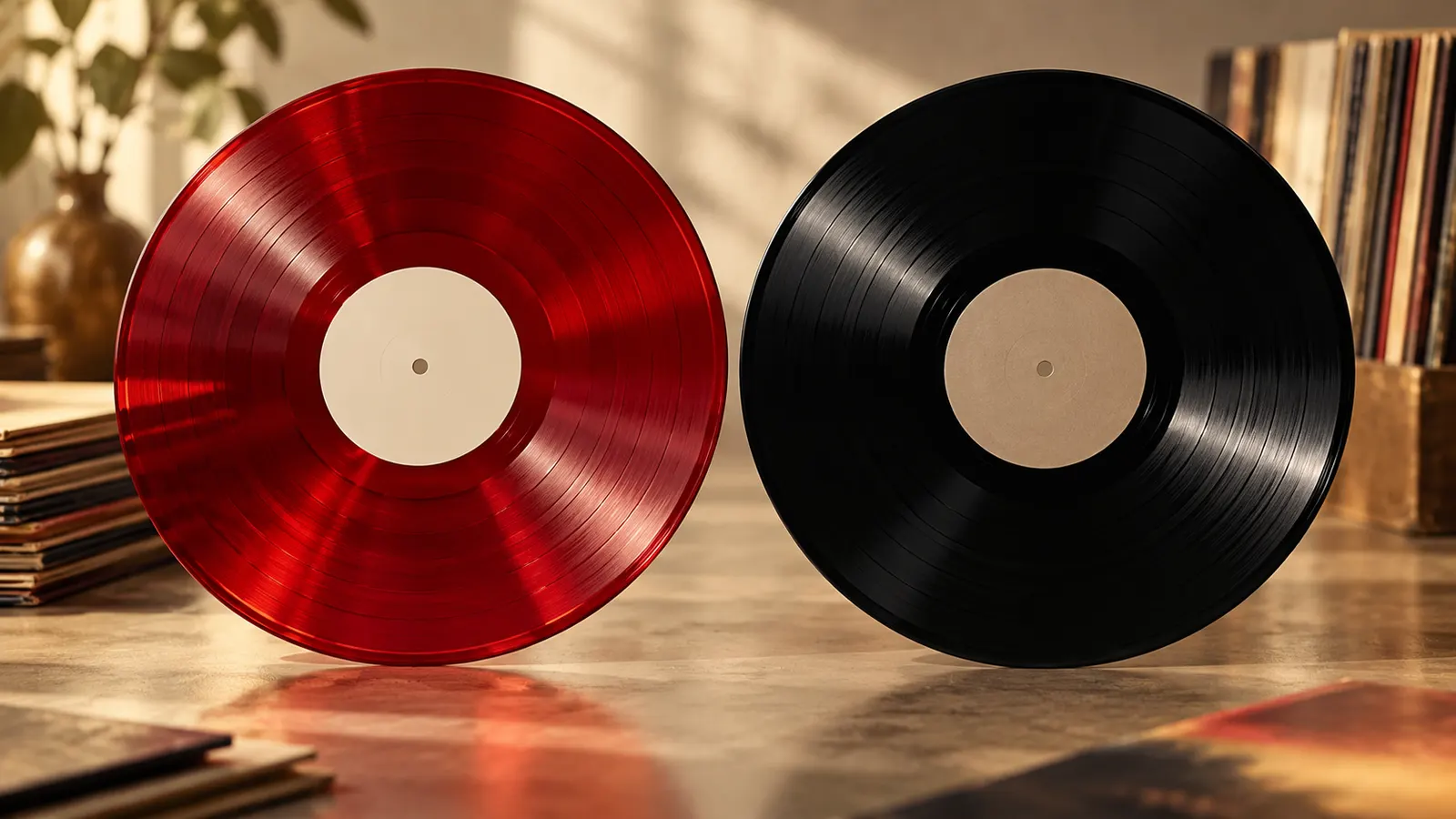

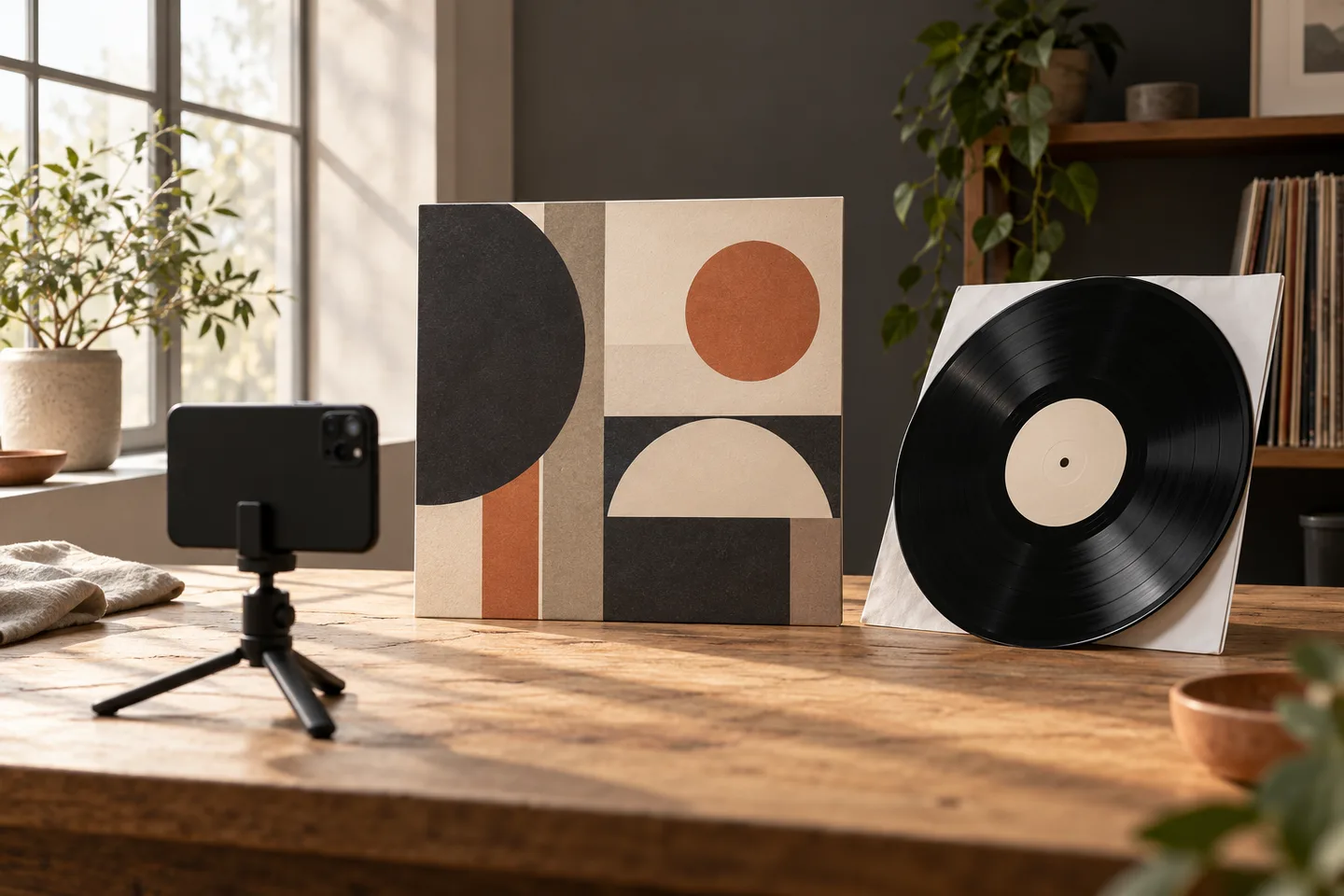
A useful vinyl identification photo is legible, complete and honest about what it cannot show. Place one sleeve or label squarely in the frame, use soft light, check focus before leaving the scene and take a second view when a small credit or catalogue number matters. DiscSnap can use a cover or label photograph as an identification input, but a suggested result still needs to be compared with the physical copy. A sharper photograph improves the evidence you provide; it does not guarantee a match or prove an edition.
This guide covers capture quality rather than pressing authentication. It explains how to photograph a sleeve, when to photograph the centre label, how to handle damaged packaging and how to decide whether a retake is enough or a release-level check is still required.
Prepare one record at a time
After making the photo, use the barcode guide, label guide, pressing verification, comparison workflow and catalog guide to interpret it.
Clear a small table before opening the camera. Keep drinks, loose sleeves and a stack of records outside the frame. Put the record in a clean inner sleeve while you work on the jacket, and never place the playing surface directly on a rough table. A neutral background helps you see the edges and makes later review easier, but DiscSnap does not require a studio or a special lighting kit.
Start with the front cover. Remove a plastic outer sleeve if it creates reflections, unless it is protecting a fragile seam. Flatten a bent jacket gently rather than pressing hard on it. If the spine, back or label contains the distinguishing information, plan those photographs before you begin. One careful set of views is easier to compare than a dozen rushed images from different rooms.
Frame the cover squarely
Hold the phone parallel to the jacket. The four corners should be visible and the text should not lean toward one side. Leave a narrow border around the object so no letters are cut off. Tap the artist or title area to focus, then inspect a close preview at full size. A photo that looks sharp as a thumbnail may blur the catalogue number when enlarged.
Avoid digital zoom. Move the phone closer while keeping the whole jacket inside the frame, then take a separate close-up of a small identifier. A second close-up is useful for the spine, a distributor line or a worn corner. Name or group the images by record so a close-up cannot later be confused with another copy.
Glare is the most common reason to retake a cover photo. Turn the jacket a few degrees, move the light rather than the record, or use a bright window from the side. Do not use a direct flash on glossy shrink wrap. If the reflection hides a word, the photo is not finished even if the artwork looks attractive.
Photograph the label when artwork is ambiguous
The centre label often carries a catalogue number, side designation, speed, publisher credit or legal text that the sleeve omits. Remove the disc by its edges and support it on a clean inner sleeve. Keep fingers away from the grooves. Place the disc flat and photograph side A and side B separately. Include enough surrounding vinyl to show the spindle hole and pressing rings, while keeping the printed text large enough to read.
Use even light from two directions if possible. A bright reflection can erase the exact letter that separates two releases. If the label is dark, expose for the print rather than the black vinyl around it. Check that the phone has focused on the label, not the spindle hole. Photograph the full label first, then a close-up of a tiny rim credit or number.
The label is evidence, not a verdict. A familiar logo can identify an imprint while leaving country, year and pressing unresolved. Record the text exactly as seen, including spaces and punctuation. A blurred character should be marked as uncertain in your notes rather than replaced with the character you expect.
A small good-input and problem-input comparison
The following examples are conceptual teaching cases. They do not reproduce DiscSnap’s interface or claim a measured recognition rate.
| Input | What the photograph shows | Next action |
|---|---|---|
| Good cover view | Four corners, readable title, low glare and even focus | Submit it, then compare the suggested release with the copy |
| Problem cover view | Cropped spine, reflected flash and a finger over the catalogue number | Retake from farther away with side light |
| Good label view | Full side, legible number and rim text, no hotspot | Save the close-up with the full-label view |
| Problem label view | Tilted disc, clipped rim and soft focus at the text | Reposition the disc and tap the printed area to focus |
No “good” view can identify an edition by itself. It simply gives the next step enough visible evidence to be useful.
Photograph worn or unusual sleeves
Do not clean a jacket with a wet cloth just to improve a picture. Dust and wear are part of the copy’s evidence. For a torn seam, photograph the complete cover and then the defect close-up. If a sticker covers a catalogue number, show the sticker and any exposed number; do not peel it away for a better scan. A replacement sleeve may not belong to the disc, so photograph the label as well.
For white labels, promos and plain sleeves, use the label, runout area and any handwritten information as separate views. Never write an interpretation onto the image. For a gatefold, photograph the outside, inside and any insert that distinguishes the release. For a double album, label each disc in your notes so side B from one copy cannot be paired with side B from another.
Decide whether to retake or verify
Retake the photograph when a required fact is unreadable because of focus, glare, framing or a blocked corner. Continue to verification when the photograph is clear but several releases share the same artwork. Compare the candidate with the physical copy: label layout, catalogue number, country, format, barcode, year wording and any runout inscription. A barcode can narrow a search but does not prove that two editions are identical.
If a suggested identity conflicts with the label, stop before saving it as a confirmed record. Keep the images, mark the match as uncertain and investigate the conflicting detail. A provisional note is more useful than a confident wrong edition. The DiscSnap vs Discogs workflow guide explains why an app suggestion and a release-level catalogue check have different jobs, while the pressing verification guide covers the evidence after a scan.
A repeatable capture checklist
Before sending a photo, ask:
- Is the whole sleeve or label inside the frame?
- Are the artist, title and any catalogue number in focus?
- Has glare hidden a letter, rim credit or barcode digit?
- Did I capture both sides when the edition could differ?
- Have I kept a full view as well as a close-up?
- Can I tell which physical record these images belong to?
- Am I describing an observation rather than guessing a release?
Take the cover first, the label second and the runout only when the first two views leave a genuine question. This order prevents a long research session from interrupting every record in a batch.
Using the result responsibly
DiscSnap’s current store descriptions support cover and label identification workflows; they do not turn a photograph into an authentication certificate. The App Store and Google Play listings are the places to check the current platform offering. Button names, account requirements and scan limits can change, so follow the interface you actually see and describe the date and platform in an editorial update.
Keep your original photographs outside the app as well. They preserve the condition and the evidence you saw on the day. If you later replace a sleeve, correct an edition or sell the record, dated images make that change understandable. Do not upload another person’s personal information or a private document visible in the background.
Editorial method
This guide was prepared on 28 October 2026 from DiscSnap’s public Apple and Google Play descriptions and the editorial plan’s verified feature boundaries. The examples are conceptual; no recognition rate, controlled test, automatic grading or guaranteed pressing match is claimed. Photographing carefully improves the input and the record of your collection, while physical verification remains the collector’s responsibility.
Build a repeatable photo set
For a collection project, use the same order for every copy: front cover, back cover, spine, label side A, label side B, then any close-up that explains a conflict. Keep the record identifier in the filename or in a private note, but avoid putting personal addresses, invoices or contact details in a public upload. Consistent views make two similar copies easier to compare and expose a swapped sleeve before it becomes a cataloguing error.
When the label and cover disagree, photograph both in the same session and write a neutral note such as “cover number differs from side A label.” Do not edit the image to improve a faded letter or remove a sticker. A crop can be useful for reading a detail, but retain the uncropped view so another collector can judge scale and context. If you use automatic sharpening, keep the original file as well; enhancement can turn a scratch into a false character.
Review the set on a larger screen before saving a suggested identity. Check that the artist, title and catalogue number are legible at full size, no edge is cut off, and the label is the correct side. If a key fact remains hidden, mark it unresolved and plan a physical check or better-lit retake. A clear photograph improves the evidence trail; it does not decide which pressing you own.