
The safest way to scan your first record is to treat the result as a useful lead, then check the physical copy before you file it. Photograph the cover or label in good light, correct the crop if needed, review the suggested identity, and keep the record unresolved when the evidence does not agree. In the documented DiscSnap flow, a successful identification is written to the local history before the detail view opens, so you can return to it later without repeating the scan.
This guide covers the first-use path: capture one record, review what the app suggests, and find the saved result again. It does not replace the detailed barcode identification guide, label and catalog-number checklist or pressing verification guide. Those pages explain the edition evidence that a photograph cannot prove by itself.
Before you take the first photo
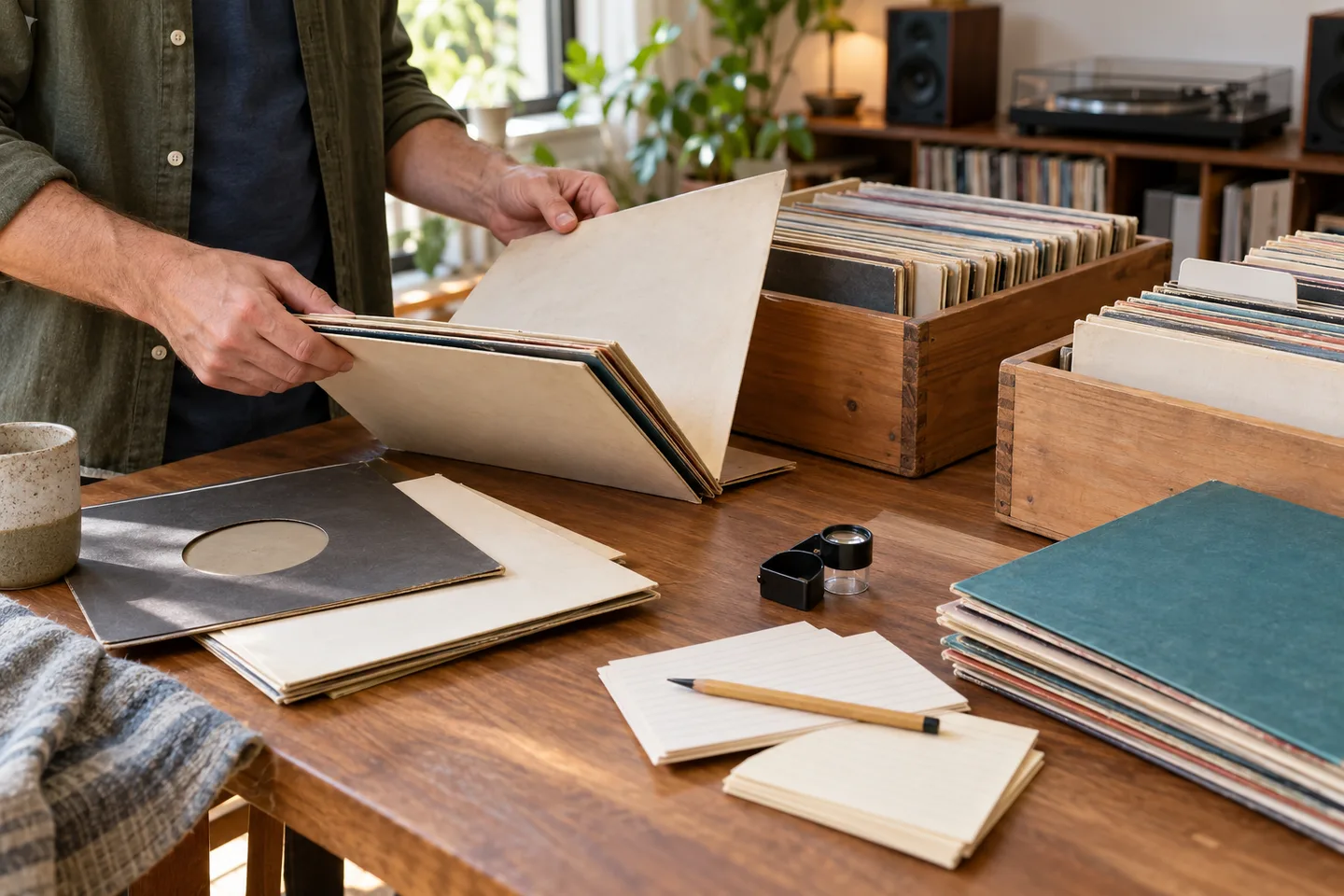
Choose one record and clear a flat surface. Put the jacket, disc and inner sleeve where you can compare them without mixing two copies. A replacement sleeve or a record from a different edition can make an attractive cover misleading. Keep your hands on the edges of the disc and use a plain background so the important text is easy to see.
Have the label available when the cover is generic or shared by several releases. A cover gives the app artwork and title clues; the center label can add catalog numbers, side information and credits. You do not need to guess which detail matters before you start. Capture the clearest view you can, then use the result and the physical evidence together.
DiscSnap’s public listings describe cover and label imagery as identification inputs and position the app as a starting point for organizing records. The sequence below is based on first-party documentation reviewed on 30 October 2026, not a hands-on production test. Exact labels, permission prompts, limits and payment screens can change, so follow the task and decision points rather than relying on a particular button name or response time.
Capture a cover or label
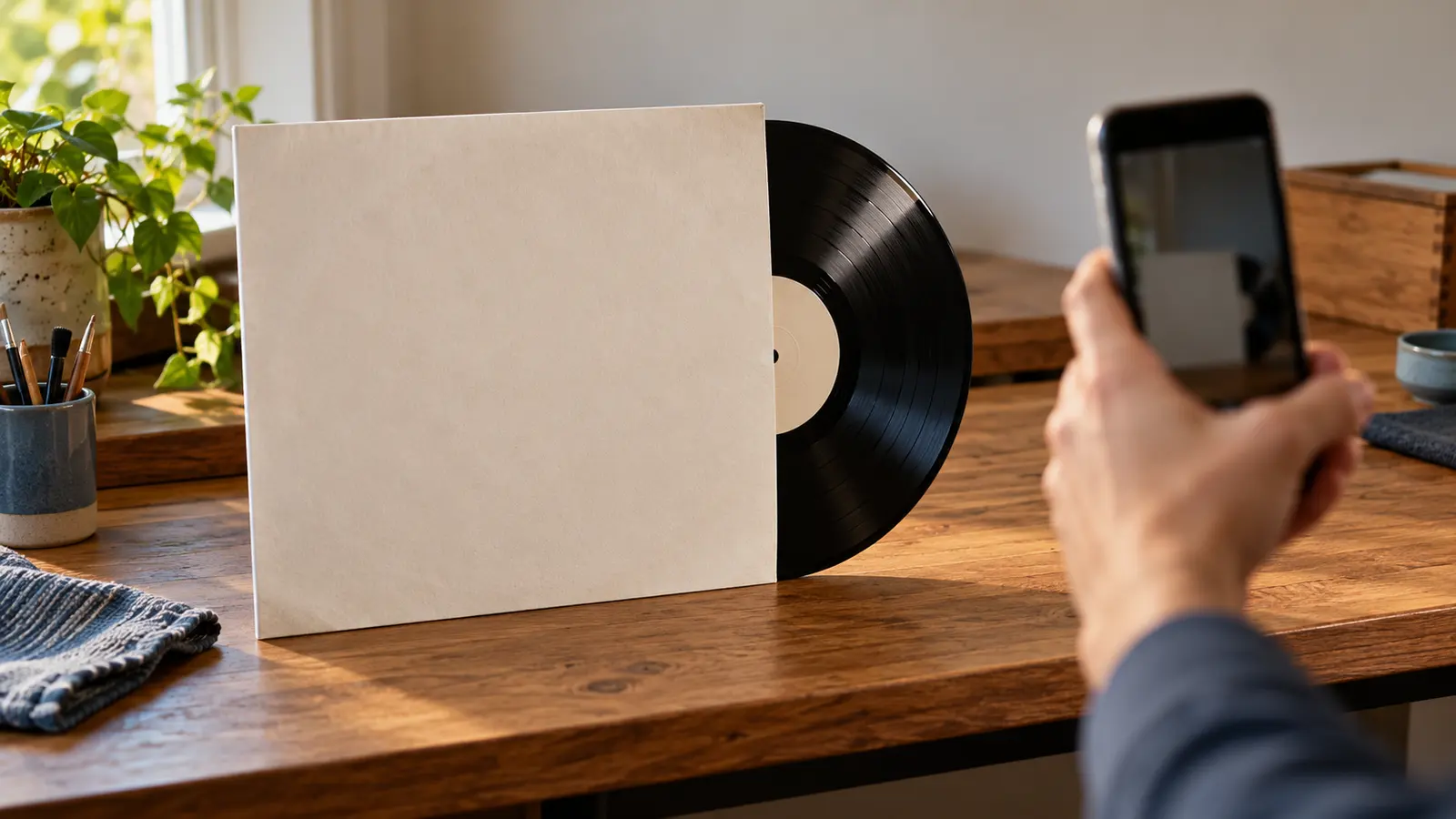
From the scan area, enter the camera flow and frame one record. The documented workflow uses a guided square and moves the captured image to review before identification. Keep the record parallel to the phone and avoid reflections across the title or catalog number. Even light is more useful than a bright flash that hides small print.
If the cover is in a sleeve, include the complete front artwork rather than a corner. If the artwork is ambiguous, photograph the center label instead. Fill the frame with the label while leaving enough surrounding vinyl to show that it belongs to the record. Do not hold a second jacket in the background; it can create a plausible but wrong match.
The documented path also allows an image from the device gallery. That is useful when a photo was taken earlier or when the phone cannot be held steady over a turntable. Choose the image that shows the whole relevant surface. A cropped screenshot of a marketplace listing is weaker evidence than a photo of your own copy because it can omit the side, country or sleeve details that distinguish editions.
Correct the image before scanning
Review the capture before sending it for identification. The documented editor supports rotating and cropping the image. Straighten a sideways label, remove unnecessary background and keep all text that may distinguish the edition. Do not crop away the catalog number just to make the artwork larger.
Retake the image when glare hides a title, the label is out of focus or a finger covers an identifier. A clear second capture is more useful than repeatedly interpreting a poor one. If the image cannot be prepared, correct the photo and retry rather than treating an incomplete result as a record match.
Read the suggested identification carefully
After image processing, read the suggested artist, title, format and any edition clues as a candidate, not a certification. Compare the suggestion with the object in your hand:
| Check | What to compare | What a mismatch means |
|---|---|---|
| Artwork | Artist, title, cover version and track listing | The image may be a different album or a reissue with reused artwork |
| Label | Imprint, catalog number, side and credits | A title match can still point to the wrong release |
| Format | Speed, number of discs, mono/stereo and size | The candidate may describe another format |
| Territory | Country text, distributor and sleeve language | The same album can have several regional editions |
| Runout | Full dead-wax inscription on both sides | The pressing remains unconfirmed until the physical marks agree |
Use the Discogs information guide to structure the comparison, and the identifier guidance to keep barcodes, printed matrices and runouts in separate notes. A suggested title is not proof of a first pressing, a condition grade or a price.
When the cover and label agree but the runout is hidden, mark the item as provisional in your notes. When the label and sleeve disagree, keep both observations and investigate. An unresolved record with good photographs is more useful than a confident wrong edition that later contaminates your catalog.
Understand what happens after a successful scan
After a successful identification, the documented workflow saves the result and opens its detail view, with the record available in History. There is no separate “save result” step to assume after processing. Do not press ahead assuming every suggestion is correct; inspect the details and decide how to organize the record.
If the result is assigned to a collection, treat that as an organizing destination. Keep your own ownership or sale notes in the catalog method described in how to catalog a vinyl collection.
Find the record again
Open History to review records that were saved. The documented History view lets you refresh the list and reopen a record. Use it to return to the detail view instead of scanning the same copy repeatedly. If the record was assigned to a collection, it can also be found through that collection’s list.
Reopen the result and compare it with the physical record when you have better light or can read the runout. Add a note in your own catalog about what is confirmed and what needs another photograph. If the match is wrong, preserve the original image and correct the entry according to the available editing or removal controls in the current release; exact control names were not verified for this guide.
When the result is uncertain
Identification can fail because the cover is too dark, the artwork is shared, the record is a regional variant or the connection does not complete. Treat a failed attempt as a prompt to improve the evidence, not as a reason to choose the first similar title.
Try one controlled change at a time: clean the lens, move away from glare, capture the label, or photograph the back cover. Keep the original photo so you can explain why the second attempt differs. If several candidates remain plausible, stop at “needs review” and use the matrix and runout guide or the valuation guide only after the edition is identified.
A hypothetical first-record example
Imagine a collector receives a used copy of an album with a common black-and-white sleeve. The cover scan suggests the correct artist and title, but two editions share that artwork. The collector photographs the center label next, then writes down the catalog number and country exactly as printed. The suggested result is close, yet its format says stereo while the label in hand says mono. Rather than accepting the match, the collector keeps the image, marks the result for review and checks the runout before filing the copy.
Now imagine the details agree: artwork, label, format and country all match, while the runout is not visible in the available photograph. The collector can use the saved result as a provisional catalog entry, with a note such as “confirm side B runout.” That note preserves momentum without turning an incomplete check into a first-press claim. The original pressing versus reissue guide explains why edition and listening goal should be compared separately when choosing between copies.
Avoid duplicate scans and duplicate records
Scanning the same sleeve repeatedly can create a confusing trail of near-identical entries. Before trying again, open History and check whether the earlier result already exists. If it does, compare the original photo with the physical copy and improve the notes. Rescan only when you have changed the input in a meaningful way, such as switching from an obscured cover to a clear label photograph.
Keep one catalog row for one physical copy even when two attempts produce different suggestions. Record the date and reason for the second scan, then resolve the candidates against the label and runout. Do not delete the first image simply because the second result looks more appealing; the discarded evidence can explain how the ambiguity arose. For larger batches, use stable copy IDs and shelf locations as described in the catalog guide.
A repeatable first-scan checklist
- Put one physical copy on a stable, evenly lit surface.
- Capture the cover or label without hiding text or mixing another sleeve into the frame.
- Rotate and crop only as needed; keep the catalog number and relevant credits visible.
- Read the suggested result and compare artwork, label, format, country and runouts.
- Let the documented successful flow save and open the record, then check History to find it again.
- Mark uncertain details for review and keep the original image with your catalog notes.
DiscSnap can make the first identification pass quicker, but a camera cannot see every groove, runout variation or condition defect. Use the result to organize your next research step. For iPhone and Android availability, consult the current App Store listing and Google Play listing, then verify the physical edition yourself.
Editorial note: this walkthrough is based on first-party documentation reviewed on 30 October 2026. It is not a hands-on production test and does not claim a live scan, response time, scan allowance or identical controls on every platform.