
A box-set scan can identify the album family without proving that every disc and insert is present. Photograph the outer box and one readable label, review the candidate, then compare catalogue numbers and contents with the physical set in front of you. Save one verified collection reference for the release and keep copy-level details—missing sleeves, posters, booklets and condition—in an external inventory when the app does not document those fields.
This guide helps with box sets, double albums and multi-disc editions. It does not assume a dedicated box-set mode, automatic contents checking, parent-and-child records or a separate value for every disc. Those controls are not documented in DiscSnap’s public store listings, so the physical evidence remains the deciding record.
What should one entry represent?
An album is the musical work. A release is a documented edition with a label, country, catalogue number, format and date. A copy is your physical object, including its box, sleeves, discs and inserts. A four-disc release is normally one release even though it contains four playable discs. A separate single from the same campaign is a different release. Decide which level you are saving before you press save.
DiscSnap’s public iPhone description says that a cover, sleeve or barcode photograph can lead to release details and a saved collection item. The Android listing describes cover or label identification, estimated value and saving or exporting collection data. These sources support a candidate workflow; they do not document a box-set detector or guarantee that a scan represents the complete set. See the App Store listing and Google Play listing for the current product boundaries.
Photograph the set in two passes
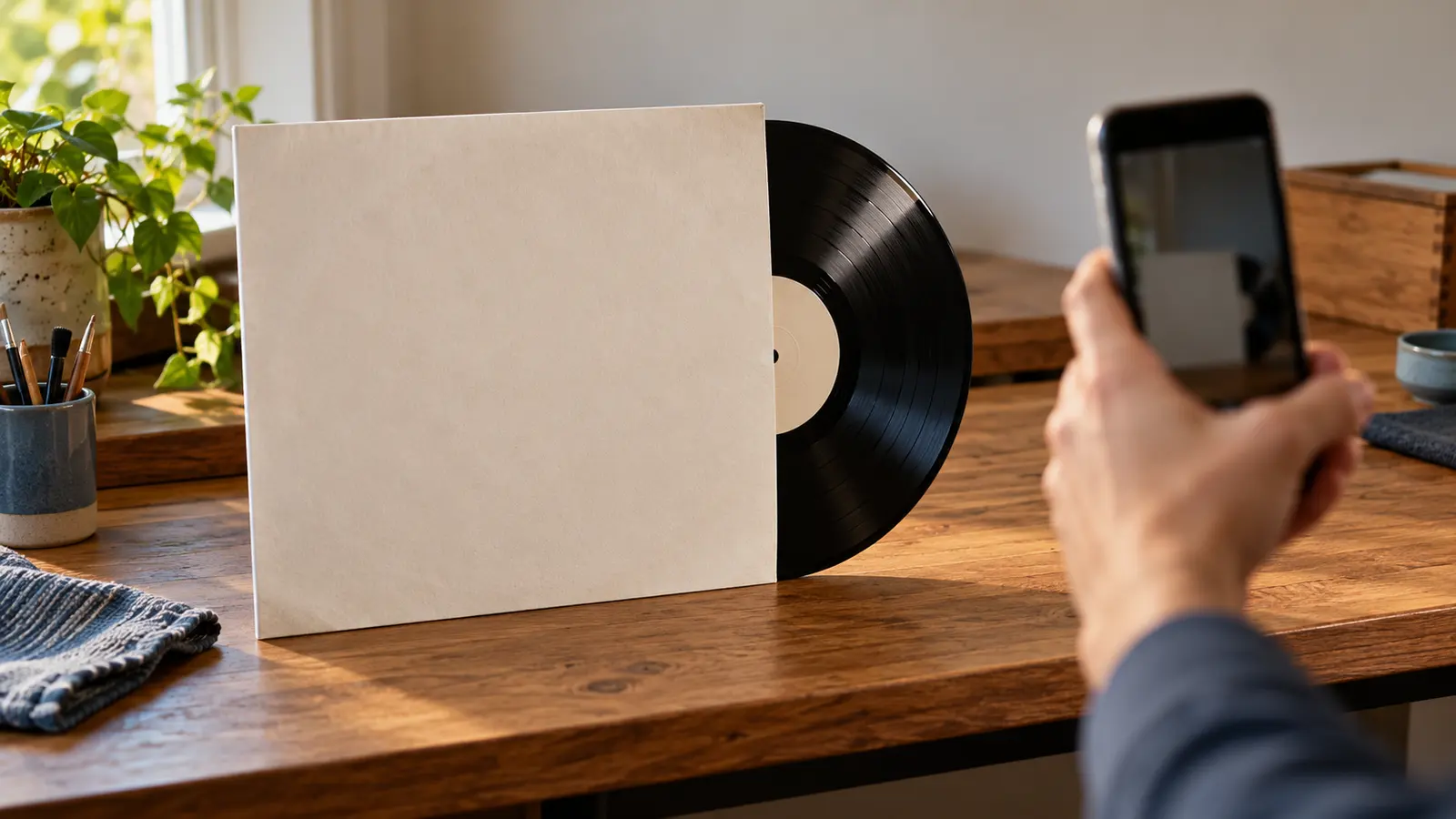
Start with a wide photograph of the closed box or slipcase. Capture the front, spine, back, catalogue number and any edition statement without hiding the edges. Then photograph each label separately, keeping the disc supported by its inner sleeve. A label may expose a catalogue suffix or country line that the box does not show.
Do not stack bare records for a dramatic photograph. Keep each disc in a clean sleeve and use a temporary identifier such as BOX-07-D1 in your own notes. The identifier is an external working aid, not a claim that DiscSnap offers a disc-number field.
Compare outer and inner catalogue evidence
Write down the box catalogue number first, then the number printed on each disc and the label address. Compare country, format, speed, copyright line, barcode and any volume or side designation. A shared prefix is useful, but it is not enough to prove that an item belongs to the set. A suffix can distinguish a replacement disc, a bonus record or a regional release.
The following example is deliberately invented:
| Check | Outer box | Disc 1 | Disc 2 | Decision |
|---|---|---|---|---|
| Catalogue | ABC-100 | ABC-100-A | ABC-100-B | Consistent family |
| Label country | UK | UK | UK | Supports same edition |
| Contents statement | 2 LP + booklet | Side 1/2 | Side 3/4 | Count one release |
| Physical condition | corner split | VG+ | VG | Record separate copy notes |
| Extra | booklet listed | present | — | Keep as a contents note |
If Disc 2 carries a different catalogue family, stop and investigate. It may be a replacement, a loose record or a related release placed in the wrong box. Do not force the match because the artwork looks familiar.
Check the expected contents
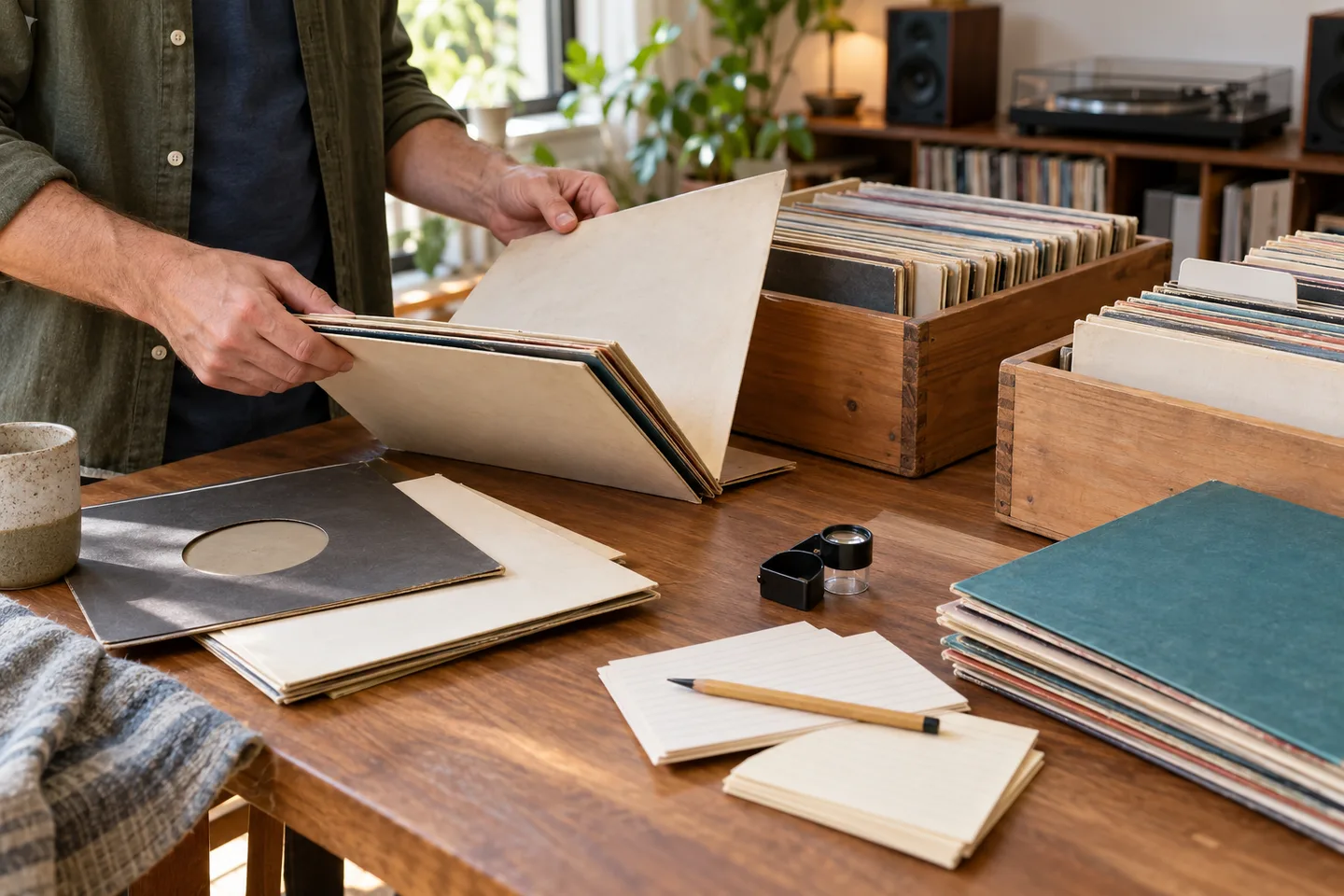
Use the set’s printed track list and a reliable catalogue reference to make a checklist. Record each expected disc, inner sleeve, booklet, poster, certificate or adapter. Mark each item as present, absent, substituted or unreadable. A missing insert changes the completeness of your copy; it does not automatically create a new release.
Keep the checklist outside the app if the current interface does not expose those fields. A small table can contain copy ID, expected item, observed item, condition, photograph name and follow-up. Avoid adding sensitive purchase information to shared notes.
Avoid counting a set twice
Count the release once in the collection, then count its physical components in your external inventory. If you save the box and later photograph Disc 1, compare the candidate before creating another entry. A duplicate title may be the same release, a different edition or an item you do not own. The duplicate-copy guide explains how to separate album, release and copy.
For a double album, do not call each playable disc a separate album. For a box containing several distinct albums, identify whether the catalogue treats it as one boxed release or a collection of separate releases, then document that choice. Do not add the estimated values of individual discs to claim a box value; market estimates depend on the complete edition and condition.
What to do when the scan is uncertain
Read the artist, title and release clues in the result, then return to the label and box. If the result identifies only the album, save it as a candidate in your notes and leave the edition unresolved. Check matrix or runout evidence using the pressing-verification guide and keep a question mark where a character is unreadable.
When the set is incomplete, photograph the missing area and write “incomplete” beside the copy ID. Do not claim that a later scan will automatically recover the contents. A clear uncertainty note is more useful than a confident but incorrect release.
A practical final checklist
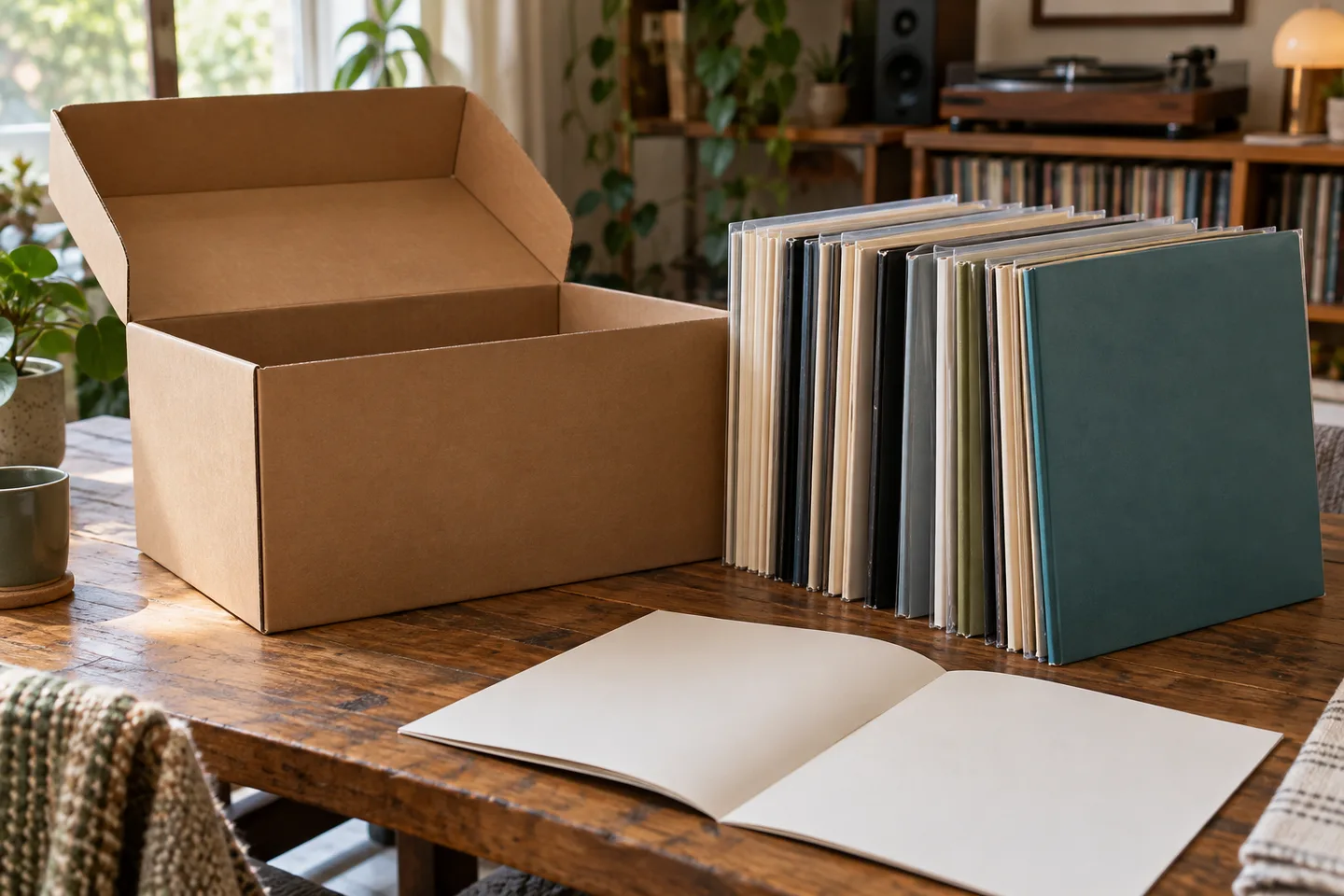
Before closing the box, confirm: the outer catalogue number is recorded; every disc label was inspected; country and format are consistent; expected inserts are marked present or missing; the saved item represents the intended release; the physical count matches your external list; and no second entry was created for a component by accident.
DiscSnap can be a useful starting point for turning a readable cover or label into a collection candidate. Physical verification decides whether the candidate represents the complete set. Keep the app entry concise, link it to your dated copy notes, and revisit unresolved evidence when you can inspect the record safely.
Build a worksheet before changing the collection
Create one row for the release and one row for each physical component. Useful columns are release_candidate, copy_id, disc_number, catalogue_number, country, label_address, format, matrix_side_a, matrix_side_b, inner_sleeve, booklet, poster, condition, photo_file, and decision. This worksheet is deliberately separate from DiscSnap. The public listings describe identifying and saving records, but they do not document custom component rows, attachments, quantities or a merge history.
For a hypothetical three-LP history box, the outer case says ABC-300, the labels say ABC-300-A through ABC-300-F, and the booklet lists six sides. The third disc has a replacement inner sleeve and a small split at the seam. Record the release once, record the split against that copy, and mark the sleeve as replaced. Do not create a second album because one accessory is missing.
Follow a safe decision path
First identify the work and likely release. Second, reconcile the box number with every label. Third, compare the printed contents with what is physically present. Fourth, decide whether the collection needs one release entry and a copy note, or whether a genuinely different release is present. Finally, save or amend the collection only after the previous four steps are written down. This order keeps an uncertain candidate reversible.
If the box is empty, record an empty box as a separate physical fact and do not save it as a complete set. If one disc belongs to another release, quarantine it in the worksheet, photograph it, and research it separately. If an insert is missing but the discs and box agree, retain the release identity and describe the incompleteness. If a label is unreadable, leave the field blank rather than guessing.
Frequently asked questions
Should every disc receive a separate collection entry?
Usually no. A multi-disc album is generally one release with multiple components. Create another entry only when the evidence shows a different release or when your own inventory policy explicitly requires component-level records outside the app.
Can a cover photograph prove the contents?
No. A cover can suggest an album and edition, but it cannot show whether a booklet, poster or replacement disc is inside. Use label photographs and a physical checklist.
Can I use the value shown after a scan as the box price?
No. A displayed estimate is guidance for a candidate and can depend on edition and condition. It is not a guaranteed sale price, appraisal or sum of individual disc estimates.
What if the app suggests the right artist but the wrong set?
Keep the result as an unresolved candidate, save the label photographs and compare catalogue and matrix evidence. The cataloging guide can help structure the external record while you investigate.
How do I avoid losing the trail?
Use stable copy IDs, dated photographs and a short decision note such as “ABC-300 complete except replacement inner sleeve.” Keep that note next to the collection reference. It explains later why one release entry represents several physical pieces.
A fictional box-set review
Imagine a four-record box with an intact outer sleeve but only three discs. The first scan suggests the complete set, yet the labels show three different catalogue suffixes and the fourth slot is empty. Record the box as one physical collection, list each present disc separately, and mark the set incomplete. Photograph the empty slot and keep the scan suggestion in the note as a candidate, not a completed match. If a later replacement disc appears, add a dated event and recheck the contents rather than changing the old observation.
This method also helps when two discs share one sleeve or when a bonus record belongs to a different edition. The inventory should describe what is physically present before it describes what a database expects.